
The Harsh Truth: Wasting Thousands on Ads But Still "Empty-Handed" Without These 2 Free Tools!
Summary
- Increasing ad budget to boost sales when a website is inefficient is a mistake, because if the website has errors, it will burn money uselessly.
- Google Analytics 4 (GA4) and Microsoft Clarity are powerful tools that help you find and fix problems on your website.
- GA4 tells you "what" is happening (quantitative data like traffic, conversions), while Microsoft Clarity explains "why" it's happening (qualitative user behavior).
- Using GTM (Google Tag Manager) to install both tools helps optimize page load speed and efficiently manage script code.
- Combining these two tools helps to understand the customer journey, detect errors, and optimize the experience to increase conversion rates.
Common Problem: Wasting Ad Money in the Wrong Places
Most sellers or business owners, when they see their store isn't generating sales, tend to increase their ad budget or change their target audience. They invest more money in Facebook and Google, hoping to attract more traffic and improve business performance.
However, reality shows that if the website has errors or provides a poor user experience, pouring more money into advertising is like pouring water into a leaky bucket. The more visitors you get, the more money you lose in vain without achieving the desired results.
Solution: GA4 and Microsoft Clarity – The "Data" & "Behavior" Dynamic Duo
 How do you find the "holes" in your website and fix them? The answer lies in the most effective behavior measurement tools available today: Google Analytics 4 (GA4) and Microsoft Clarity. Many people often wonder whether to install GA4 or Clarity. However, this is not an either/or choice; they are a perfectly complementary pair.
- GA4 helps you know what is happening (What) – providing quantitative data on user behavior across a broad scope.
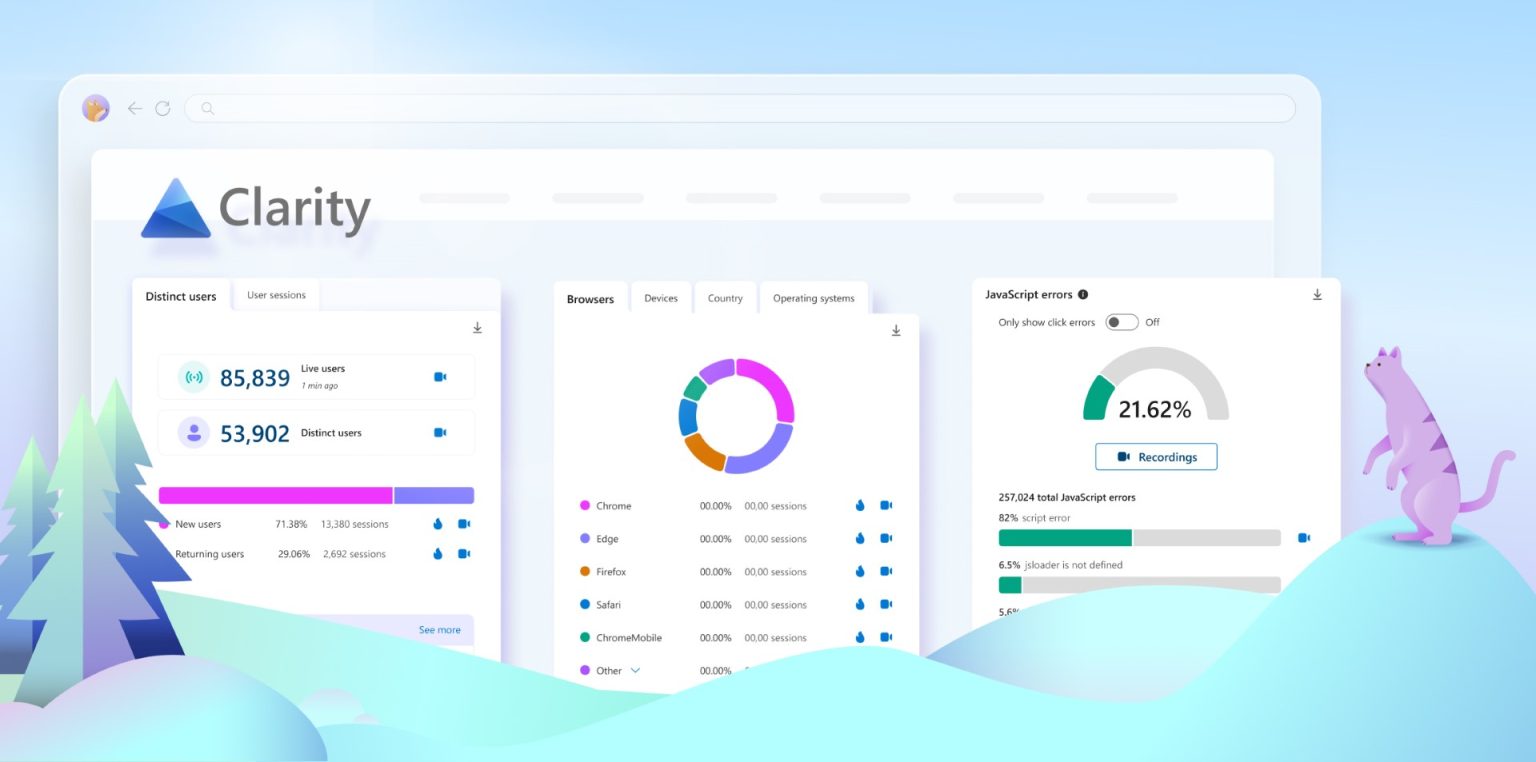
- Microsoft Clarity explains why it's happening (Why) – delving into detailed user behavior with visuals and heatmaps.
To make it easier to visualize, imagine your website is an offline store:
- GA4 is like a customer counter and cashier: It tells you how many people visit the store, where they come from, which product displays they spend the most time at, and ultimately, how many make a purchase.
- Microsoft Clarity is like a 24/7 surveillance camera system: It records the entire customer shopping process. You'll see customers struggling to find the checkout button, whether they encounter issues at the entrance (interface errors), or if they look at a product and then put it down because the size chart is too confusing.
The Revenue-Generating Power of Combining Both
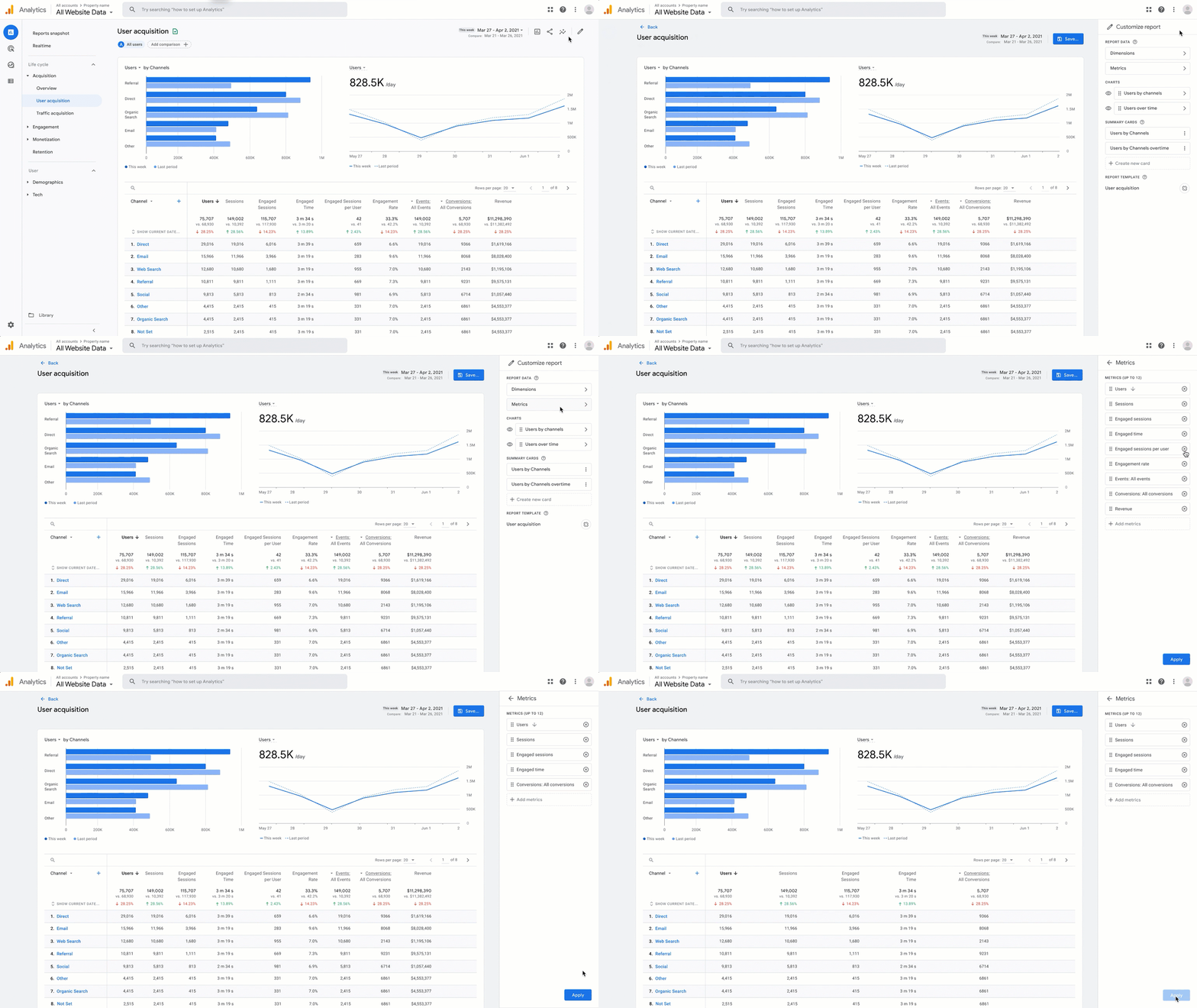
Google Analytics 4 (GA4) – The Quantitative Big Picture
GA4 helps you control the entire Conversion Funnel to make strategic marketing decisions:
- Accurately measure which ad campaigns are delivering the best ROI.
- Identify pages with unusually high Bounce Rates to plan optimization.
- Track the detailed customer journey from website visit to successful checkout.
Microsoft Clarity – Diving into Qualitative Experience (Completely Free!)
When GA4 reports, "Your checkout page has an 80% exit rate," that's when you open Clarity to investigate further:
- Session Recording: Watch live how customers scroll, zoom, and click on mobile devices. You might be surprised to find that the "Buy Now" button is hidden or overflowing on some phone models, making it impossible for customers to interact.
- Heatmap: Clearly shows which parts of the page customers are truly interested in. Do they scroll down to read other customer reviews, or do they only browse 20% of the page before leaving?
- Rage Clicks: This is an incredibly useful Clarity feature. It detects areas where customers click repeatedly and frantically (often due to a frozen button, coding error, or mistaking a static image for a clickable button). Fixing these points will help your conversion rate skyrocket instantly.
Will installing both slow down my website?
This is the biggest concern for sellers, as they fear affecting Page Speed. The good news is that Microsoft Clarity's script code is extremely lightweight and loads asynchronously. This means it does not at all hinder the display of the website's main content for customers.
Expert Optimization Tip: To keep your website running smoothly and easy to manage, you should install both GA4 and Microsoft Clarity via Google Tag Manager (GTM). This helps consolidate all cumbersome tracking codes into a single location, thereby optimizing page load speed very effectively.
Conclusion
Running ads to attract customers to your store is just the beginning. Retaining customers and getting them to spend is the deciding factor in the survival and growth of an e-commerce website. Stop fumbling in the dark and blindly burning ad money. Install GA4 and Microsoft Clarity now to start "reading" your customers.
If you have difficulty configuring Google Tag Manager yourself, setting up GA4 for a standard e-commerce funnel, or want to optimize your store's interface (CRO) based on actual customer behavior, let us handle those technical concerns.
👉 Contact VertexTrue today for assistance in setting up the most accurate measurement system and website optimization!